

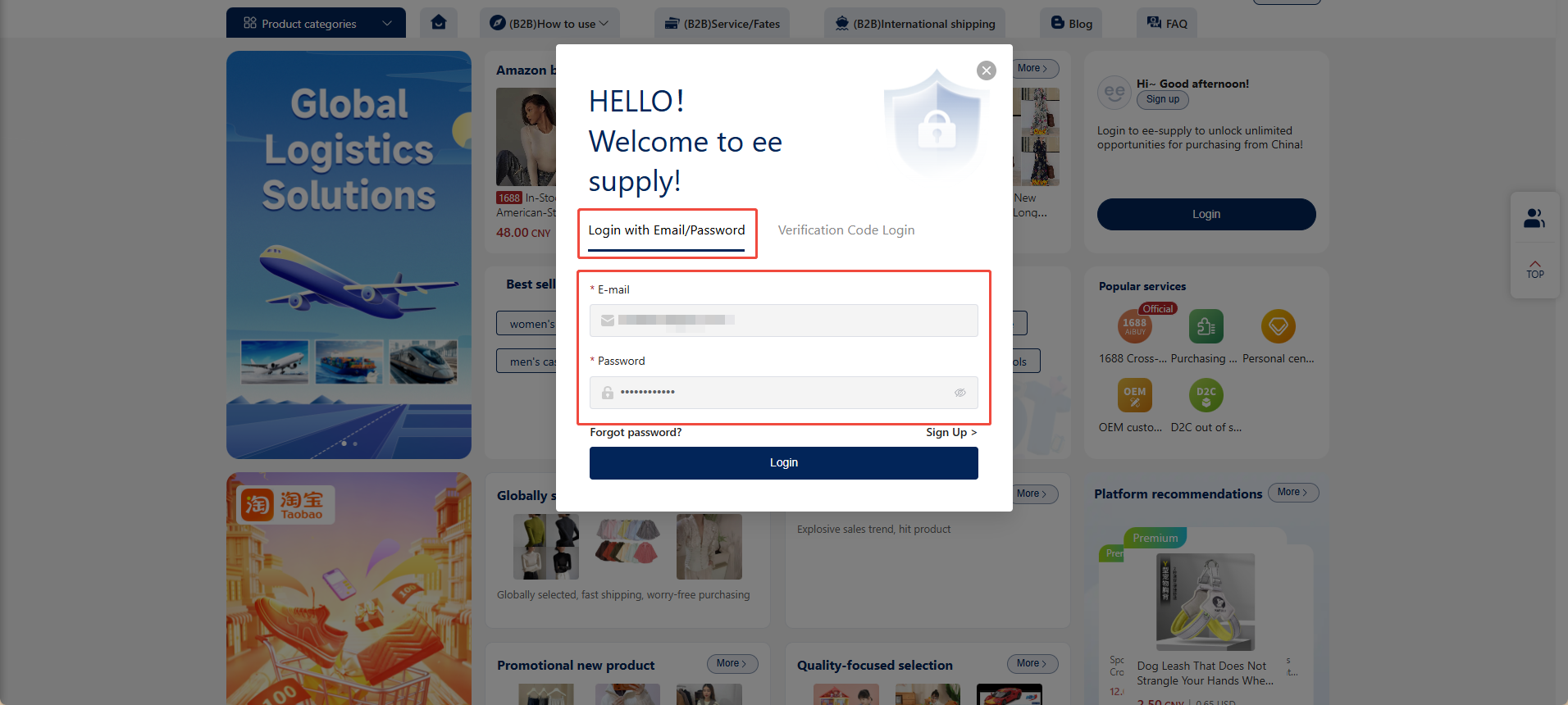
1.Email Login
1.1.Open your browser and enter the official ee-supply website address: https://b2b.ee-supply.com/ .
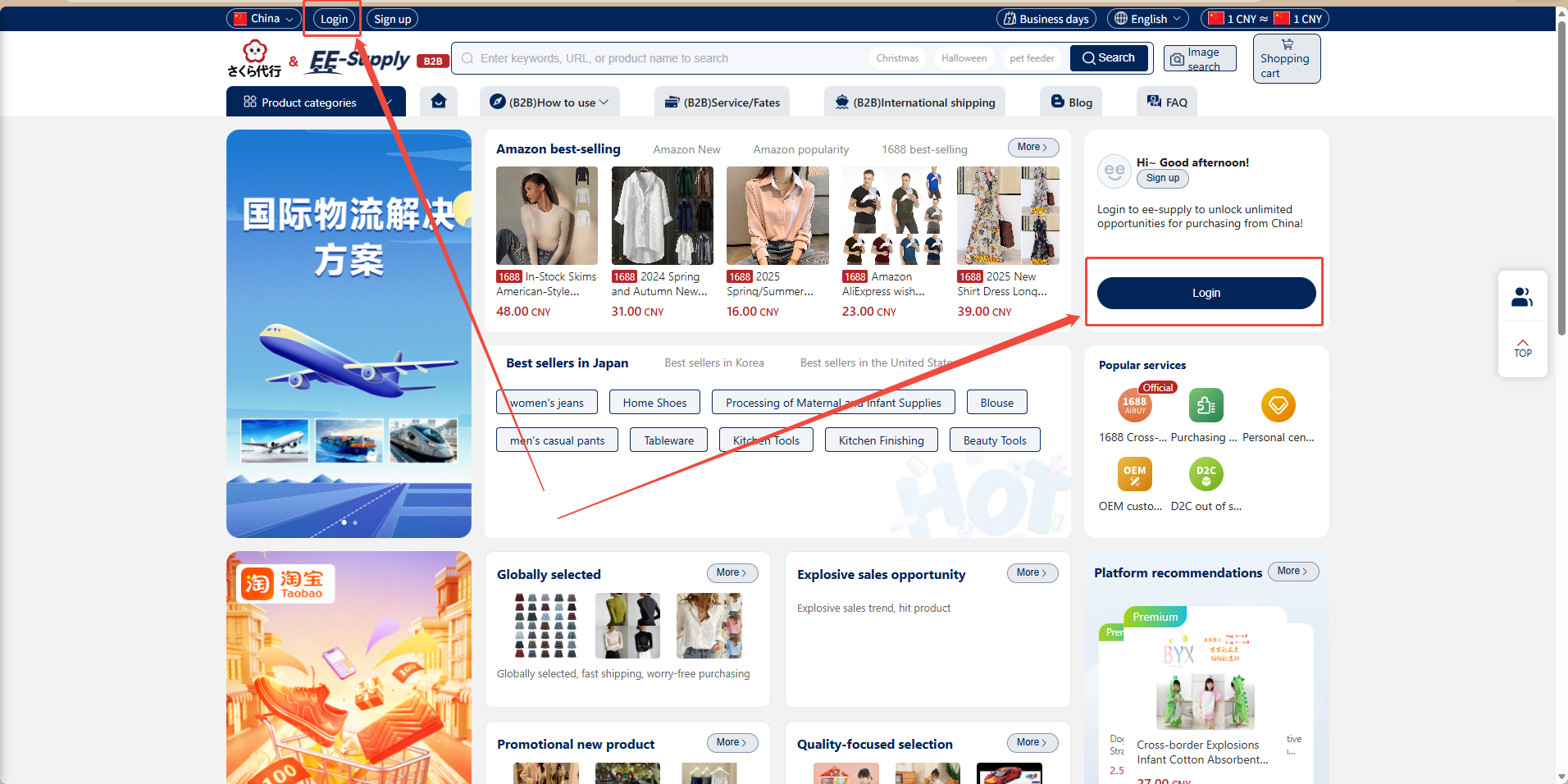
1.2.On the ee-supply homepage, click the "Login" button in the top-left corner to open the login pop-up window.
1.3.Under "Email Login", enter your valid email address and password, then click "Login".
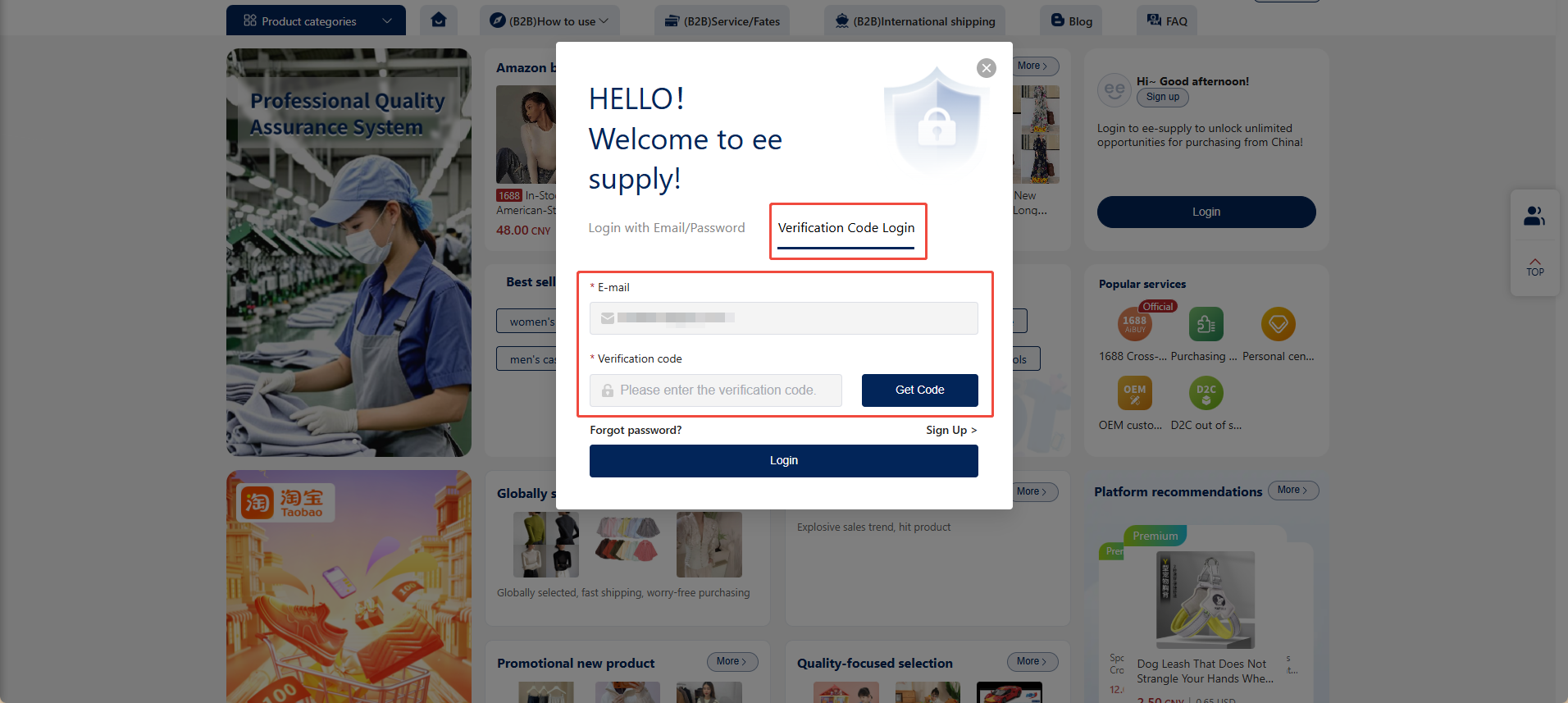
2.Verification Code Login
Switch to the verification code login option. Enter your email address, obtain and enter the corresponding verification code, then click "Login" to access the website.